
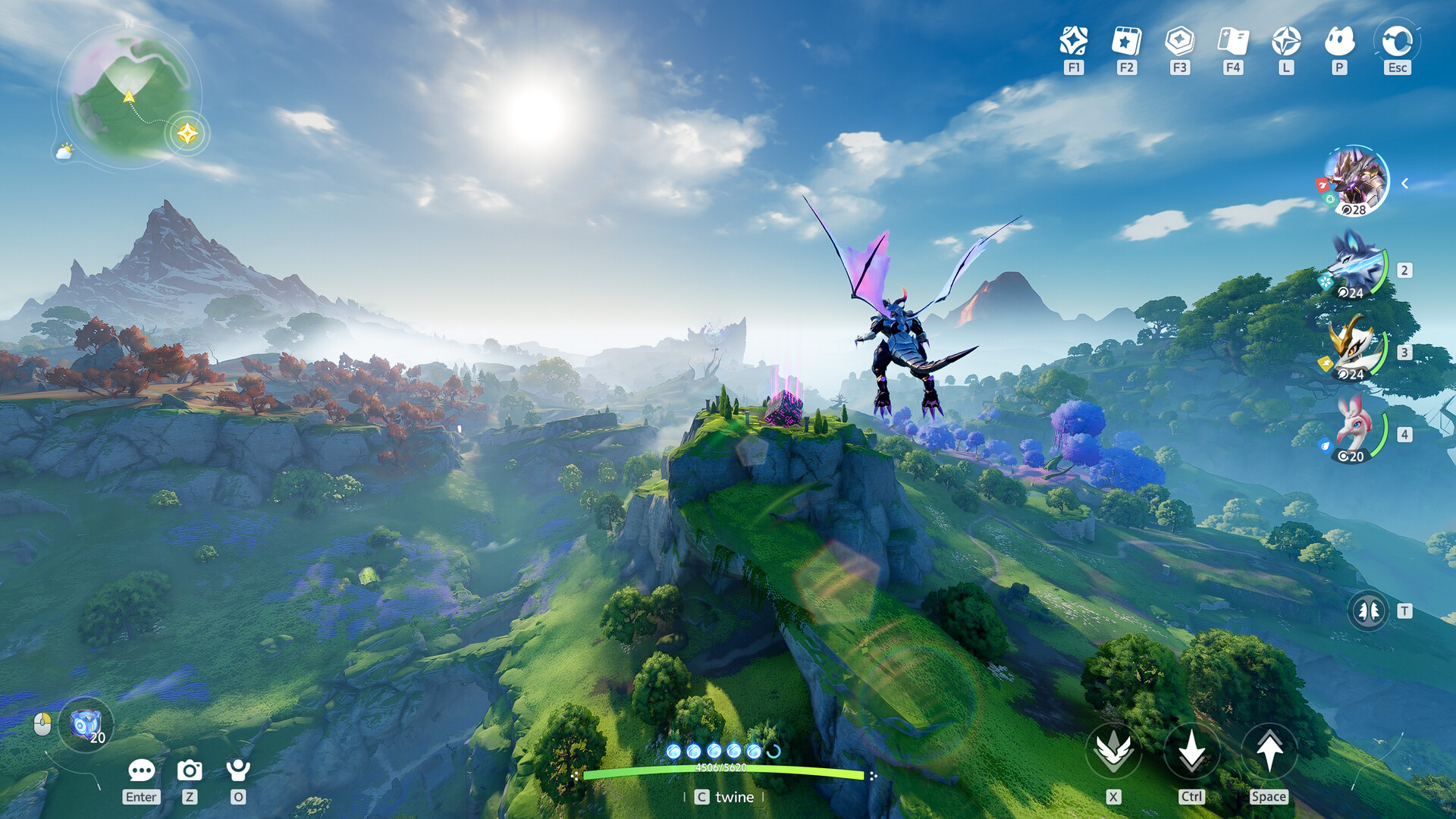
Securing your exclusive rewards in Aniimo has never been more critical for new players. If you successfully completed your Aniimo pre register process earlier, you are already one step closer to claiming your launch goodies. This guide ensures you avoid common mistakes and perfectly manage your account linking for maximum benefits.
Video Guide
Table of Contents
Understanding Pre register Requirements
The pre register phase is not just a marketing gimmick; it is a vital interaction that ties your account to exclusive rewards. Many players overlook the importance of linking correctly upon the first launch boot-up, which can lead to losing access to your earned bonuses.
| Requirement | Description | Impact |
|---|---|---|
| Email Sync | Use original address | Unlocks login rewards |
| Platform Link | Same region match | Prevents data splits |
| First Launch | Do not skip | Saves pre-reg status |
The primary reason for these strict steps is to maintain security and prevent cross-platform conflicts. As highlighted by the community mods, failure to align your regional settings can result in permanent account isolation. Always ensure your region (NA, EU, AP) remains consistent everywhere.
[!TIP] Avoid region mismatches Always select the exact same region across all platforms to ensure account data migration works seamlessly.
Step-by-Step Claim Process
Claiming your rewards requires navigating to the mailbox in the game client. However, before you can see them, you must complete specific narrative milestones. Players report that the "Chasing the Clouds" quest is the initial barrier.
- Launch game on your primary console or PC.
- Wait for the mandatory pop-up window.
- Link the email used during pre register.
- Advance through gameplay until you unlock the mail.
| Milestone | Action Required | Reward Type |
|---|---|---|
| First Fight | Defeat Alpha Turbo | Capture Items |
| Assessment | Finish intro pass | Level Up |
| Main Story | Chase the Clouds | Mailbox Access |
According to player experience shared in the community Discord, many beginners rush past the intro screens and miss the critical linking prompt. This step cannot be redone once you pass the initial login screen, making it the most important part of the entire process.
Managing Your Aniimo Inventory
Once the mailbox is unlocked, you will notice that rewards are not automatically applied. You must manually activate items like the Collector's Handbook through your inventory menu. This is where players often fail to realize they have actually received the goods.
[!WARNING] Manual Redemption Required Do not assume bonuses are equipped. Go to your inventory and activate the items manually.
| Item Category | How to Equip | Notes |
|---|---|---|
| Battle Pass | Manual Activate | Cannot be skipped |
| Eggs | Hatchery Camp | 5 hour timer |
| Cosmetics | Appearance Menu | Sharp items warning |
Check out the Official Website for a detailed list of current event rewards available to all users. Understanding how the hatchery system differs from standard games will save you time when taking on those perfect egg spawns.
Strategic Tips for Success
Maximizing your pre register bonuses means planning your gameplay session to incubate eggs while away. Remember, the timer for your Prismatopantis egg continues to tick down even when you are offline. Use this to your advantage during busy weeks.
- Hatch early: Eggs take 5 hours to mature.
- Check mailbox: Dont miss the little gift icon.
- Join community: Discord offers active help with troubleshooting.
By following these steps, you are guaranteeing that you won't miss out on the pre register benefits. Maintaining your account health and staying up to date with in-game alerts is the key.
Frequently Asked Questions
How can I check my Aniimo pre register status? Verify your email confirmation received during the initial sign up phase on the official website.
What if I missed the link pop up window? Unfortunately, the linking process is critical at that moment; you should contact official support immediately.
Are my pre register items platform locked? No, once linked properly to the same Aniimo account, your rewards should sync across platforms like Steam and Xbox.
Can I still get pre-registration gifts? Pre-registration specific gifts are usually limited to early sign ups, but launch milestone rewards are often available for all active players."})
Sources and known gaps
- Pre-Register for Aniimo and Win an iPhone & Beta Access Source accessed:
- Aniimo Official Website - Global Launch Announced! | aniimo Source accessed:
- How to Claim Your ANIIMO Preorder Rewards | Battle Pass, Egg & Bonuses! Source accessed:
- ANIIMO Account Linking Guide: DON'T Skip This Pop-Up! | Xbox, PlayStation & Steam | WATCH THIS Source accessed: