
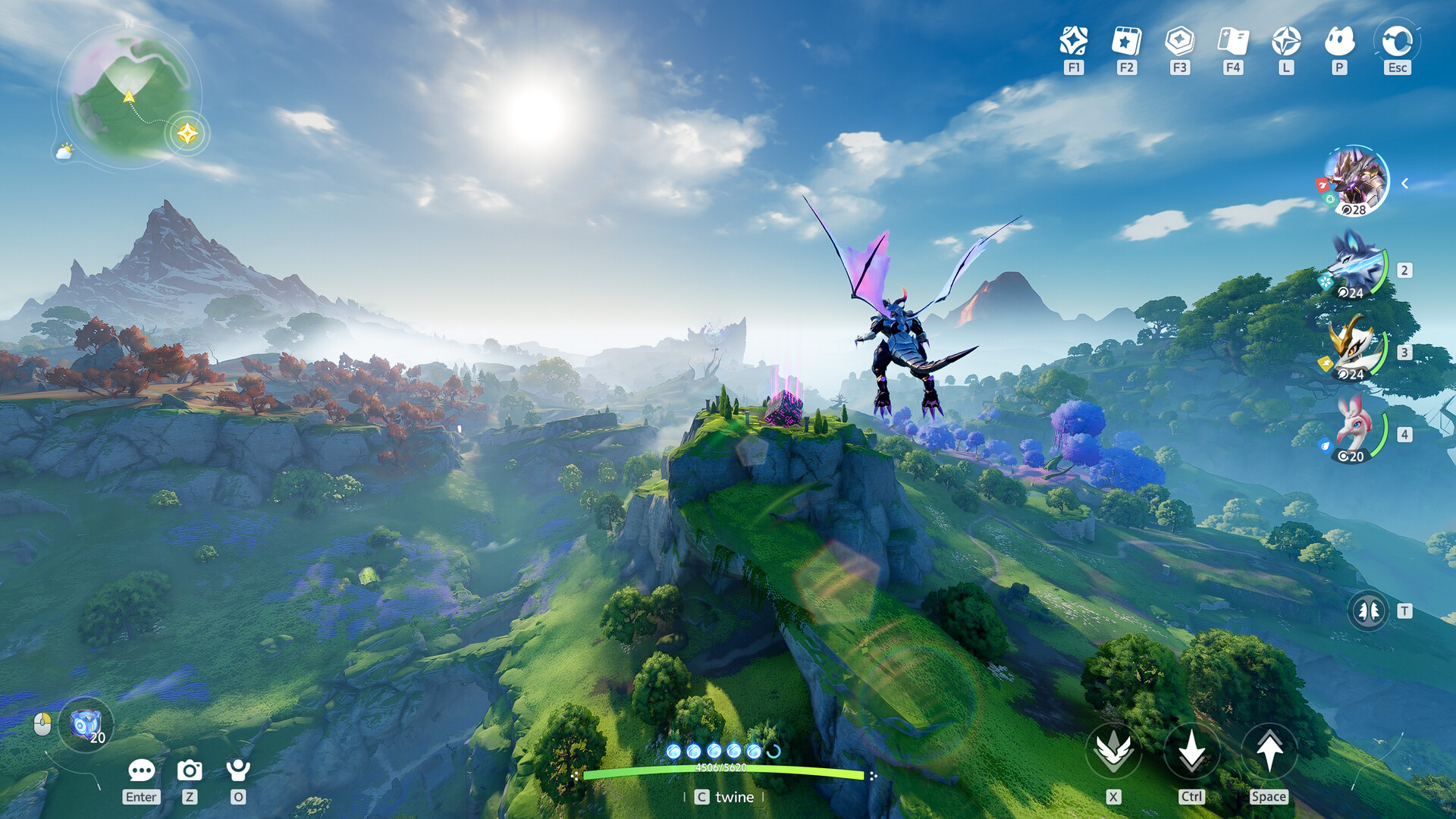
In the vibrant world of Aniimo, your avatar is more than just a digital representation; it is a statement of your personal style and creativity. The aniimo character customization system offers an unprecedented level of depth for a creature-collection RPG, allowing players to tweak everything from the curvature of their jawline to the specific glow of their pupils. Whether you are a veteran of high-fidelity MMOs or a newcomer looking to express yourself, understanding the nuances of the aniimo character customization engine is the first step toward your adventure in Idyll. This guide will walk you through every slider, color wheel, and unlockable accessory to ensure your character stands out in the crowd.
Table of Contents
The Foundation: Starting Your Journey in Aniimo
Before you dive into the granular details, the game presents you with a choice between two primary body types: Male and Female. While these serve as your starting point, the subsequent layers of aniimo character customization are so flexible that you can achieve a wide variety of aesthetics regardless of your initial selection. Once you have chosen a base, the game offers a series of presets. These are excellent for players who want to jump straight into the action, but for those who enjoy the "true" RPG experience, the manual adjustment tabs are where the real magic happens.
Community reports from the closed beta suggest that the presets are diverse, covering various ethnicities and styles, but the manual sliders allow for much more specific "fine-tuning." You aren't just picking a face; you are sculpting one. The interface is divided into several logical categories: Face, Makeup, Hair, Body, and Clothing. By navigating these tabs, you can transform a generic template into a masterpiece that reflects your personality.
Quick Start Guide
- Choose your base character type (Male/Female).
- Select a preset that closely matches your desired look to save time.
- Use the "Face" and "Body" tabs for structural changes.
- Apply "Makeup" and "Hair" for color and personality.
- Finalize with "Clothing" and "Accessories" to complete the aesthetic.
Deep Dive into Facial Sculpting and Face Blending
The facial customization in Aniimo is surprisingly robust, rivaling many modern AAA titles. Unlike games that limit you to a few nose shapes or eye types, Aniimo utilizes a slider-based system that allows for incremental changes. This ensures that no two characters look exactly alike. One of the most innovative features mentioned in early Game8 guides is the "Face Blend" mechanic, which allows you to combine facial attributes from multiple presets to create a hybrid look.
Facial Feature Sliders Breakdown
To help you navigate the complex menus, we have categorized the primary sliders available in the current build of the game:
| Category | Adjustable Features | Customization Depth |
|---|---|---|
| Face Shape | Width, Length, Size, Cheekbones, Cheeks | High |
| Chin & Jaw | Angle, Prominence, Width | Medium |
| Eyebrows | Height, Spacing, Brow Bone Prominence, Angle | High |
| Eyes | Height, Spacing, Width, Angle, Inner/Outer Corners | Very High |
| Nose | Tip Angle, Prominence, Bridge Width, Nasal Wings | High |
| Mouth | Position, Width, Size, Upper/Lower Lip Fullness | High |
| Ears | Angle, Size, Inclination, Height | Medium |
When adjusting these features, it is important to rotate your character frequently. A nose that looks perfect from the front might have an unexpected profile. Many players in the community recommend spending extra time on the "Eye" tab, as the inner and outer corner adjustments can drastically change the character's expression from friendly and approachable to fierce and determined.
Mastering the Color Wheel and Pupil Effects
If the structural sliders are the bones of your character, the makeup and color options are the soul. One of the standout features of aniimo character customization is the inclusion of a full color wheel for almost every cosmetic option. This means you are not limited to a palette of 20 or 30 colors; you have the entire spectrum at your fingertips. From neon green skin tones to multi-colored hair, the possibilities are virtually infinite.
The Art of Eye Customization
The eyes in Aniimo are particularly striking. You can choose from standard pupils to more whimsical designs like hearts, stars, or even "spooky" hollowed-out looks. Crucially, the game allows for heterochromia—you can set the design and color for each eye independently. Beyond color, you can adjust:
- Pupil Size and Dilation: Control how much of the iris is visible.
- Iris Focus: Change the sharpness of the eye patterns.
- Rotation Speed: Some pupil designs actually rotate, adding a dynamic, magical feel to your character.
- Glow Intensity: Make your eyes literally shine in the dark, perfect for nighttime exploration.
Makeup and Skin Texture
Makeup isn't just about aesthetics; it adds depth to the character's face. You can layer eyeliner, eyeshadow, and blush, adjusting the opacity and "metallic" texture of each. This allows for a range of looks from natural "no-makeup" styles to dramatic, glittery festival vibes. Furthermore, the skin tone slider isn't just about color. You can adjust the "shininess" and "roughness" of the skin, simulating different textures or even a slightly oily/sweaty look for characters meant to be rugged adventurers.
Body Proportions: Beyond Height and Weight
Aniimo takes body customization a step further by allowing you to adjust specific limb proportions. This is a rare feature in the genre and allows for highly stylized avatars. Whether you want a character with a powerful, athletic build or a more slender, agile silhouette, the body sliders provide the necessary tools.
| Body Part | Adjustable Parameters | Why it Matters |
|---|---|---|
| Arms | Forearm Length/Width, Upper Arm Width | Defines upper body strength and silhouette. |
| Hands | Overall Size | Can create a more delicate or powerful look. |
| Torso | Chest Size, Waist Width | Essential for fitting certain clothing types. |
| Hips | Width, Front-to-Back Appearance | Balances the character's center of gravity visually. |
| Legs | Calf Width, Thigh Width | Great for creating "speedy" or "tanky" appearances. |
Proportion Tip If you are having trouble seeing the changes to your character's body while wearing bulky outfits, use the "Toggle Clothing" button in the customization menu. This allows you to view the base body model clearly so you can ensure the proportions are exactly what you want before layering on the gear.
Hair Design: Building Your Own Style
Hair is often the most criticized part of character creators, but aniimo character customization introduces a "Hairstyle Design" system that is quite revolutionary. While there are standard styles like the "Lunar Bob" or "Sunny Ponytail," the game also features a modular system in the beta where you can piece together different components.
For example, you might choose specific bangs from one style and pair them with sideburns from another, then top it off with a bun or ponytail. Each of these sections can be adjusted for size, angle, and even "poofiness." If you pick a ponytail, you can decide how long it hangs or how much it curls at the ends. Coupled with the ability to add highlights and gradients using the color wheel, you can create a hairstyle that is truly one-of-a-kind.
Community members have noted that while the initial launch might feel "lacking" in the number of base cuts, the ability to modify those cuts exponentially increases the actual variety available. Always look for the "Customize" icon next to a hairstyle to see if it supports modular adjustments.
Fashion, Accessories, and Unlocking Cosmetics
Once your physical form is set, it is time to dress the part. Clothing in Aniimo is divided into several categories: Tops, Bottoms, Gloves, Socks, and Shoes. Dresses are also available as full-body items. The game encourages "Mix and Match" gameplay, where you can combine a top from one set with bottoms from another.
Starting Outfits and Shop Items
When you begin, you will likely have access to the "Petal Dance" outfit. As you progress through the story, you will unlock the "New Adventure" set. For more specialized looks, you will need to visit the in-game shop.
| Outfit Name | Aesthetic Style | How to Obtain |
|---|---|---|
| Fresh Blues | Casual/Sporty | Earned Currency Shop |
| Azure Fantasy | Elegant/Magical | Earned Currency Shop |
| Nightwing | Dark/Edgy | Earned Currency Shop |
| Bubble Sweetheart | Cute/Kawaii | Earned Currency Shop |
| Spring Bloom | Bright/Floral | Story Progression |
The Role of Aniimo Research in Fashion
One of the most rewarding aspects of the game is the link between your Aniimo companions and your wardrobe. By conducting research and reaching milestones with specific Aniimo, you can unlock themed accessories. For instance, reaching a high research level with an "Ember Pup" might grant you an adorable Ember Pup backpack or a pair of ears that match its design.
These accessories include:
- Keychains: Small charms that clip onto your shorts or bags.
- Shoulder Buddies: Miniature plushies of your favorite Aniimo that sit on your shoulder.
- Backpacks: Highly detailed bags, some of which even have animated elements.
- Tails and Ears: Functional-looking animal traits to match your team.
Changing Your Look: Redesign Cards and Costs
In many games, your initial choices are permanent, but Aniimo is more forgiving. If you decide halfway through your journey that you want a different face or a new hair color, you can visit the "Appearance" menu via the main settings. However, there are some costs involved to keep the economy balanced.
According to player experience reports, structural changes to the face require a Redesign Card, which costs 300 Glimmer (the in-game currency) at the shop. Changing your hair color requires a Hair Saloon Card, also costing 300 Glimmer. Interestingly, changing the actual hairstyle (the cut) is often free, encouraging players to swap styles as they unlock new headwear or accessories.
Permanent Choices While your appearance is flexible, your character's name is currently permanent in the beta version. Choose your name wisely, as there is no "Rename Card" available at this stage of development.
The Future: Aniimo Customization
While this guide focuses on the player character, the developers have teased a system for aniimo character customization that extends to the creatures themselves. Early UI leaks suggest that players will be able to equip their Aniimo with hats, scarves, and other small accessories. This adds another layer of personalization to your team, making your favorite creatures feel even more unique.
The integration of QR codes is another feature to watch. Similar to other modern social games, you can scan a QR code to instantly import a character design made by another player. This is perfect for those who want to look like their favorite influencer or a specific fictional character without spending hours in the slider menus.
FAQ: Common Questions About Aniimo Customization
Can I change my body type after starting the game?
Yes, you can adjust your body proportions and even switch between male and female body types using a Redesign Card. This ensures that you are never "locked in" to a look that no longer suits you.
How do I get more colors for the color wheel?
The color wheel is fully unlocked from the start of the game. You do not need to find "dyes" or "palettes" to access specific shades, though some special textures (like metallic or neon) might be tied to specific makeup or clothing items.
Does my character's appearance affect gameplay stats?
No. The aniimo character customization is purely cosmetic. Whether you are tall, short, or have glowing purple eyes, your combat stats and movement speed remain identical to all other players. This allows for total creative freedom without worrying about "min-maxing" your look.
Where can I find the best accessories?
The best and most unique accessories are usually found by completing the "Aniimo Analog" research tasks. Instead of just buying them, you earn them by spending time with your creatures, making them a badge of honor for dedicated tamers.
Sources and known gaps
- Character Creation and Customization Guide | Aniimo Source accessed:
- Is there Character Creation? - Aniimo Source accessed:
- ANIIMO Character Customization Showcase ALL SLIDERS | ALL Male + Female Options | OFFICIAL LAUNCH Source accessed:
- Aniimo's Character Customization! 💋 | Thinking Out Loud 💬 Source accessed: