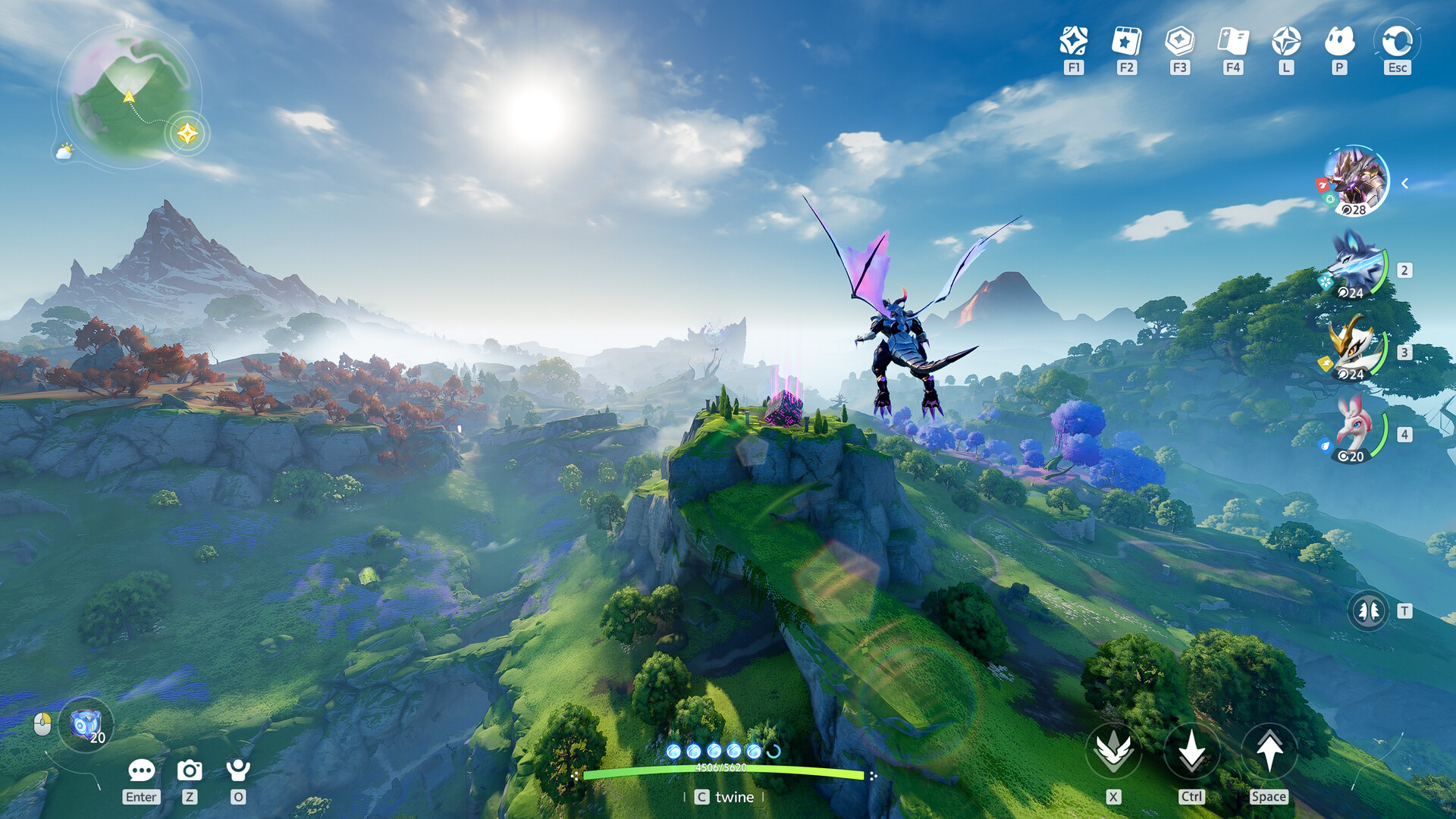
Aniimo Requirements PC: Can Your Rig Run This Open-World RPG?
Check the official Aniimo requirements for PC to ensure your system is ready for Idyll. Discover optimization tips and hardware performance benchmarks here.
Published:
Table of Contents
The open-world creature-collecting genre has a new contender, and the buzz surrounding its launch is nothing short of historic. With over 30 million pre-registrations globally, players are eager to dive into the vibrant continent of Idyll, but before you start your journey, understanding the aniimo requirements pc is the most critical step to ensure a smooth gameplay experience.
Whether you are a seasoned explorer or a newcomer to the genre, knowing if your hardware meets the benchmark is vital. In this guide, we break down everything you need to know about system performance, from minimum specifications to the recommended setup for peak graphical fidelity. Understanding your hardware limitations early on will save you from frustration and ensure your "Twining" experience is as immersive as intended.
Understanding Aniimo PC System Requirements
To navigate the expansive landscapes of Idyll, your machine needs to handle modern rendering techniques and high-fidelity creature models. According to the official Aniimo Steam Page, the developer, Pawprint Studio, has optimized the game for a wide range of hardware, though the leap from minimum to recommended settings is significant.
Minimum vs. Recommended Hardware Breakdown
Reviewing the aniimo requirements pc benchmarks allows you to gauge whether you need a quick GPU upgrade or if your current setup is sufficient for a comfortable frame rate.
Component
Minimum Requirements
Recommended Requirements
OS
Windows 10 (64-bit)
Windows 10 or higher (64-bit)
Processor
Intel Core i7-4770 / Ryzen 7 2700
Intel Core i7-10700 / Ryzen 5 5600
Memory
8 GB RAM
16 GB RAM
Graphics
NVIDIA GTX 970 / AMD RX 5600
NVIDIA RTX 3060 / AMD RX 6700
DirectX
Version 11
Version 11
Storage
40 GB Available Space
40 GB Available Space
Why These Requirements Matter for Gameplay
The jump from 8GB to 16GB of RAM is particularly notable. Community reports suggest that while the game may launch on 8GB, the complex assets of the open-world map and the "Twining" mechanics can cause stuttering in high-density zones like the sky-floating metropolis. If you are hovering near the minimum threshold, closing background applications like web browsers is a practical "pro-tip" to free up system resources.
Optimizing Your Performance: Beyond the Specs
Meeting the minimum aniimo requirements pc is just the start. Many players have reported that while the visuals are stunning, performance can vary based on individual settings. Because Aniimo features an interactive, physics-based environment, your CPU and RAM usage will fluctuate based on the number of creatures and players rendered on your screen.
Practical Tips for Better Framerates
Update Your Drivers: Always ensure your GPU drivers are updated for the latest game-ready profiles.
Disk Selection: Install Aniimo on an SSD rather than a traditional HDD to significantly reduce texture pop-in and load times between the vast regions of Idyll.
Resolution Scaling: If you are struggling to hit a stable 60 FPS on your hardware, consider adjusting the internal resolution scale rather than lowering all texture settings, as this preserves visual clarity.
Performance Monitor
Use a third-party tool like MSI Afterburner to monitor your VRAM and CPU usage during the first hour of play. If your CPU is constantly pinned at 100%, consider lowering the "Draw Distance" or "Population Density" settings in the in-game menu.
The Reality of Combat and Exploration
Beyond the technical hurdles of the aniimo requirements pc, it is important to understand what you are actually running. Community feedback highlights that while the visuals are top-tier, the gameplay loop involves a mix of exploration, "Twining" with creatures, and real-time combat.
Some players have noted that the combat, particularly the PvP modes, requires responsive controls. If your hardware is lagging or struggling to hit at least 60 FPS, the "aimbot-style" ranged attacks used in the game may become difficult to dodge effectively.
Combat Mechanics Comparison
Activity
Hardware Demand
Key Performance Factor
Exploration
Moderate
Disk Read Speed (SSD)
PVE Boss Fights
High
GPU / VRAM
PvP Competitions
High
Latency / CPU Single-Core Speed
Homeland Customization
Low to Moderate
RAM Capacity
Community Insights: What Players Are Saying
The community response regarding the aniimo requirements pc has been generally supportive of the developer's transparency. However, early reviews mention that the game is quite demanding in the open world.
According to player forums, the most common error is the lack of "exclusive fullscreen" mode on certain monitor setups, which causes input latency. If you encounter this, try toggling "Borderless Windowed" in the game settings to stabilize your mouse response.
Avoid Common Pitfalls
Do not attempt to force the game to run on hardware significantly below the minimum GTX 970/RX 5600 threshold. Many players have reported crashes when the VRAM capacity is exceeded during loading screens, as the engine attempts to cache large environmental textures.
Future-Proofing Your Aniimo Experience
Since Aniimo is a live-service game, we can expect updates that may introduce new areas, creatures, and graphical enhancements. Keeping your PC hardware updated will be necessary if the developers decide to implement higher-fidelity ray tracing or expanded foliage density in future patches.
If you are currently building a new machine, aiming for the "Recommended" specifications (or higher) is the safest way to ensure you aren't upgrading again in 12 months. Focus on a modern GPU like the RTX 40-series or equivalent, which will handle future optimization updates much more gracefully than the older cards listed in the base requirements.
Frequently Asked Questions (FAQ)
1. Does the Aniimo requirements PC list include laptop hardware?
Yes, the specifications listed (GTX 970 / RX 5600) apply to both desktop and laptop hardware. However, laptop users should keep in mind that mobile GPUs often perform differently than their desktop counterparts; aim for a laptop GPU that meets or exceeds these values.
2. Is 16GB of RAM strictly necessary for Aniimo?
While the game can launch with 8GB, 16GB is highly recommended. Many modern open-world games suffer from stuttering when RAM is pushed to the limit, especially when you are interacting with other players in the social hubs.
3. Will my PC reach the recommended settings with just a CPU upgrade?
Not necessarily. The aniimo requirements pc list is balanced. If you upgrade your CPU to an i7-10700 but keep a weak graphics card, your experience will still be limited by the GPU. Performance is a harmony of CPU, RAM, and GPU.
4. Can I play Aniimo on a Steam Deck?
The official Steam compatibility status is currently marked as "Unknown." While it may launch, you should expect to significantly lower your graphics settings to maintain a playable frame rate on handheld devices.